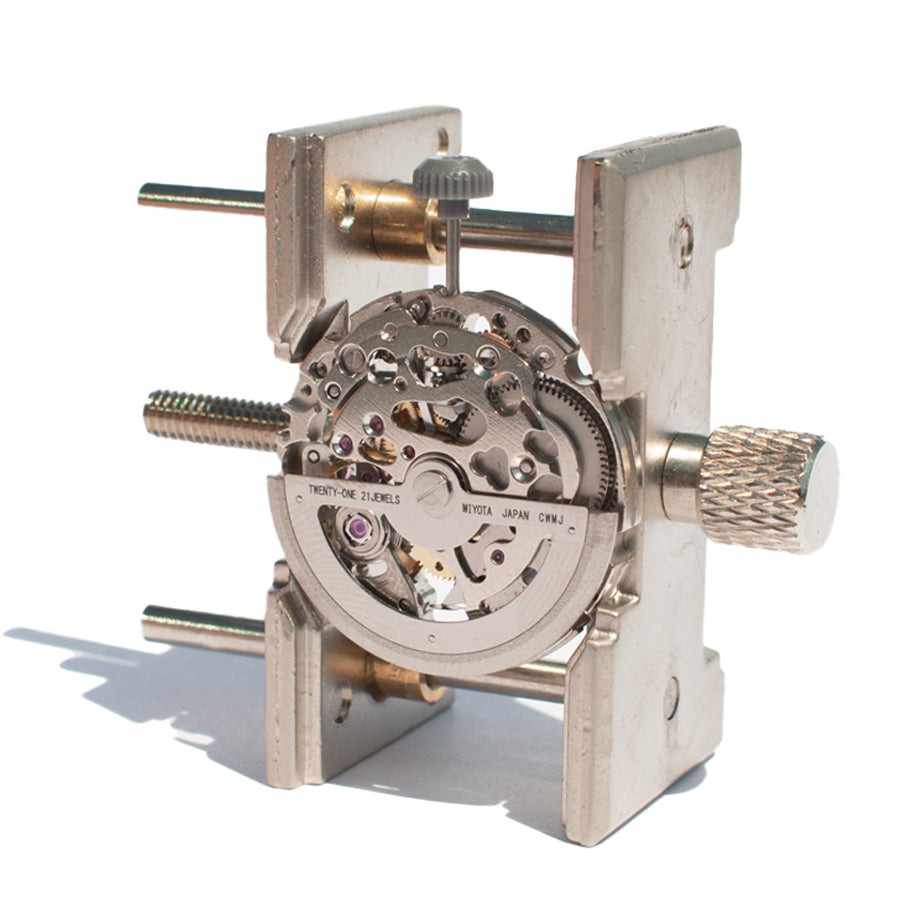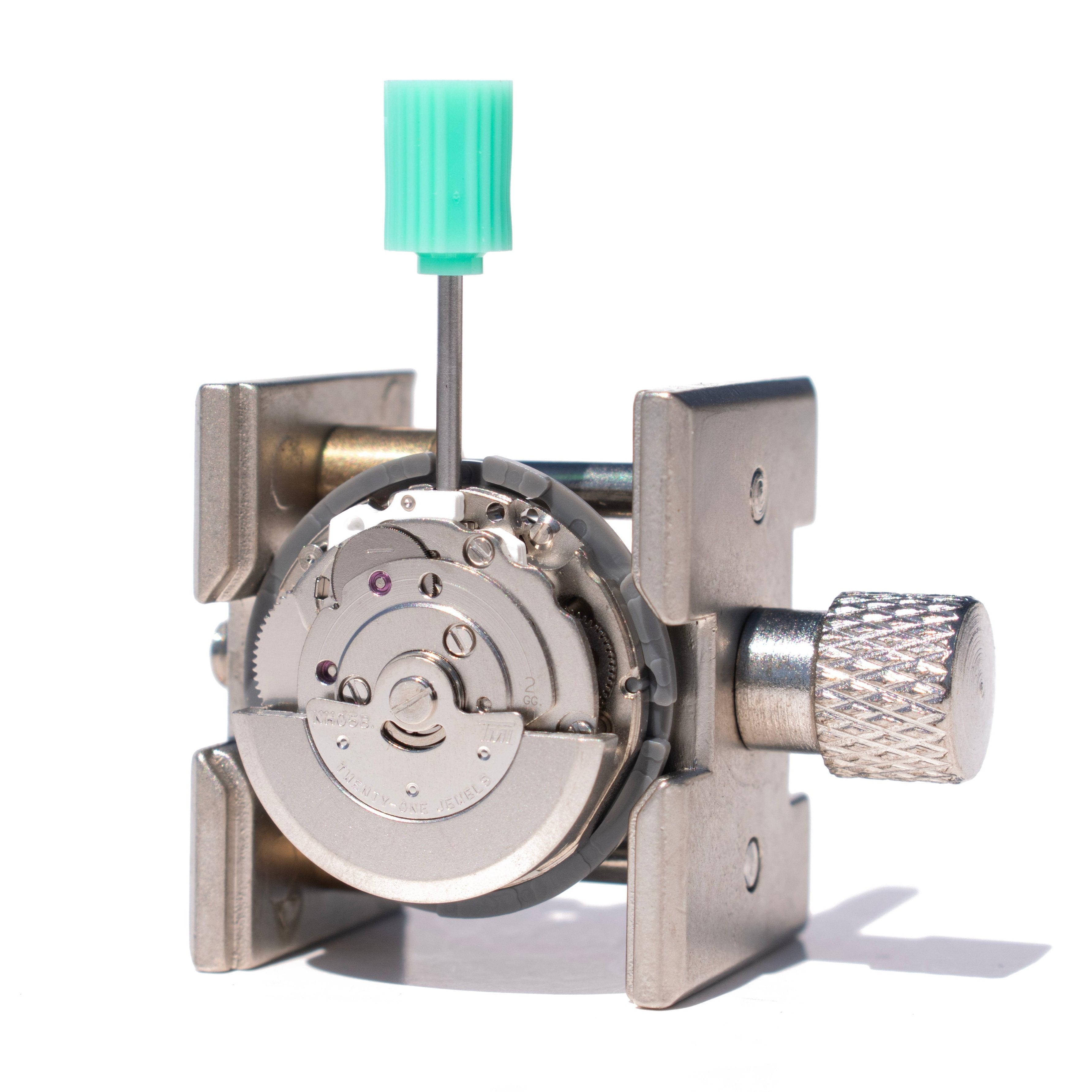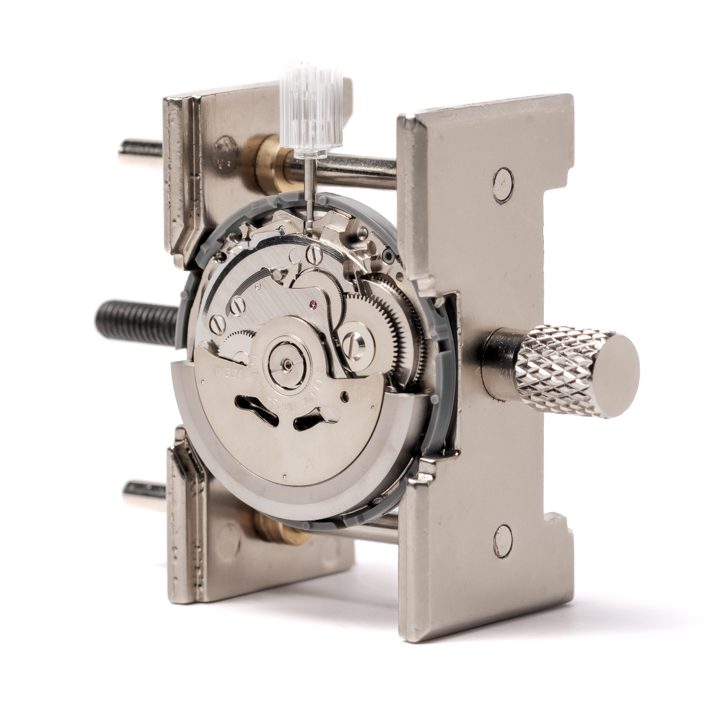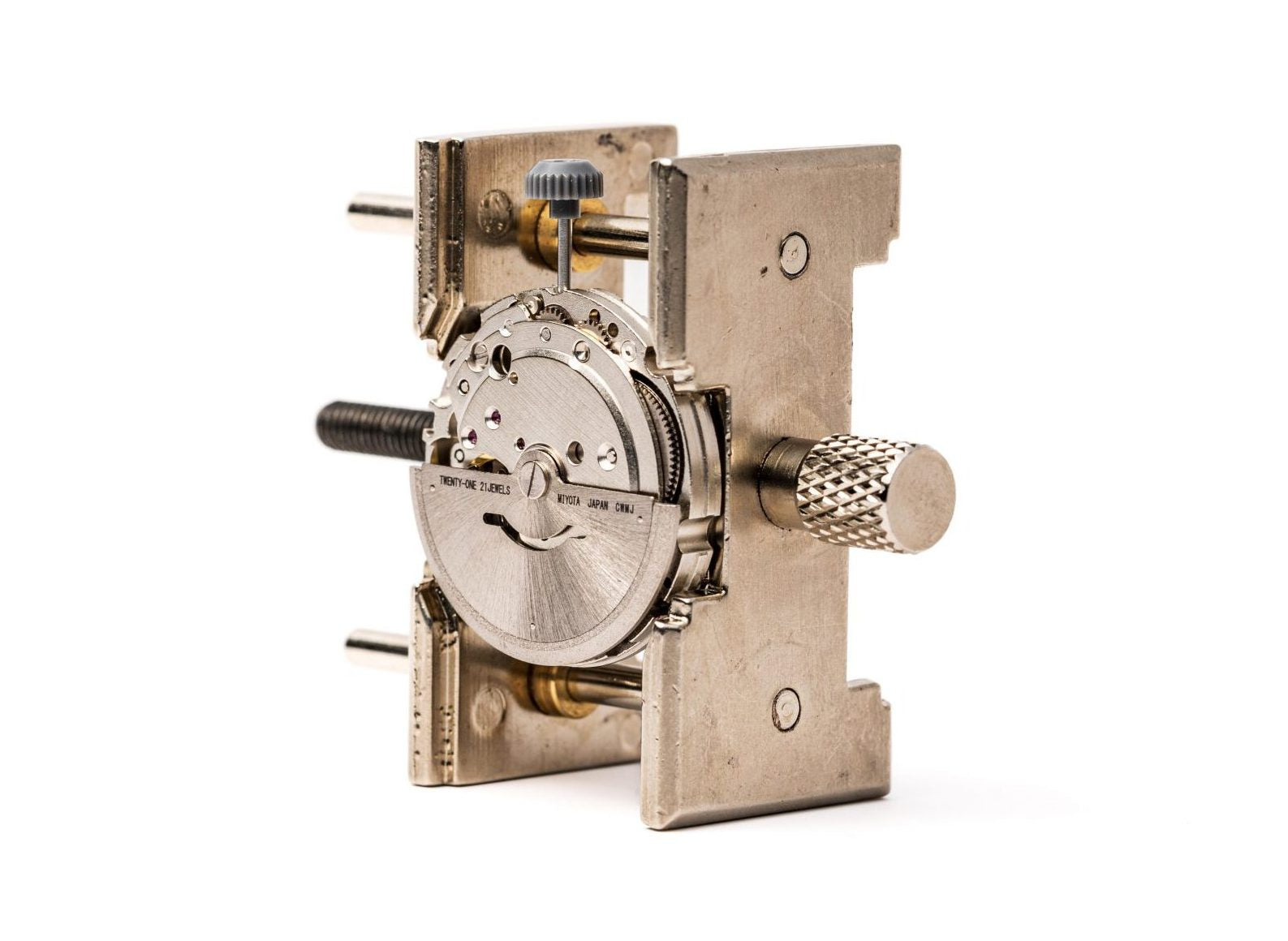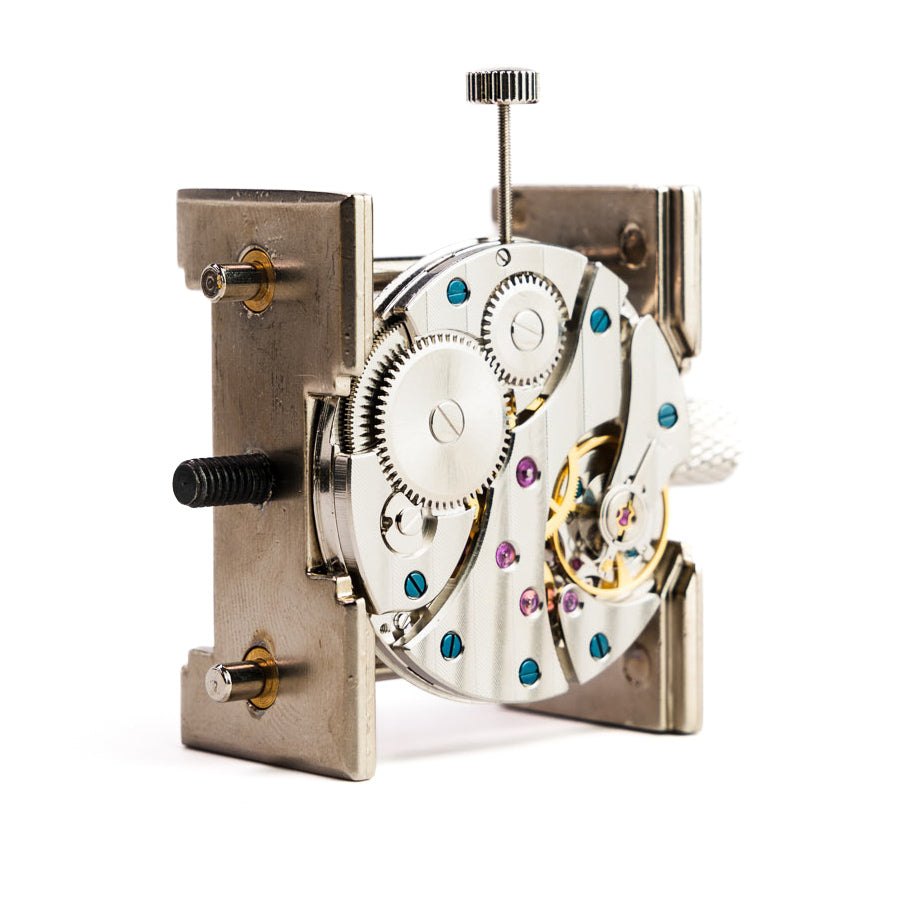


Miyota 8215 Date Change Mechanism Explained: How the Date Wheel Works
Setting the date on a mechanical watch seems simple until something goes wrong. The Miyota 8215 date mechanism is one of the most widely used calendar systems in affordable automatic watches, found in everything from microbrands to DIY watch builds. Understanding how it works protects your movement from damage and makes date adjustments painless.
At its core, the 8215 uses a clever combination of gears, levers, and a spring-loaded jumper to advance a numbered disc once every 24 hours. A separate quick-set feature also lets you change the date without spinning the hands, but a critical time window exists when you should avoid using it entirely.
Key Takeaways
- The date wheel advances one position every 24 hours via the hour wheel
- Pull the crown to the first click and turn counter-clockwise to quickly set the date
- Never use the quick-set between 9 p.m. and 1 a.m. (the danger zone)
- Five manual date corrections are needed per year for shorter months
Build your own watch from scratch and wear something only you could have made.
How the Date Wheel Advances Every Day
The Miyota 8215 date change happens automatically around midnight. The hour wheel, which completes one full rotation every 12 hours, carries a small finger that pushes the date disc forward by one position every 24 hours.
Because the hour wheel rotates twice per day, the finger only engages with the date disc once during each full 24-hour cycle. The date disc, jumper spring, and quick-set mechanism all work in sequence to make sure each transition is clean and accurate.
The Midnight Changeover Process
Between around 9 p.m. and 1 a.m., the date-driving mechanism gradually engages with the date wheel. As the hour wheel rotates, a finger on its underside pushes against one tooth on the 31-position date disc, and around midnight, the date snaps forward to the next number.
Once the date advances, a spring-loaded jumper holds the new number precisely centered in the date window. Without this jumper, the disc would drift between numbers instead of clicking cleanly into position.
Why the Date Takes Time to Flip
Unlike higher-end movements that use semi-instantaneous or instant date changes, the Miyota 8215 relies on a gradual changeover. The date begins moving slightly before midnight and finishes settling just after, so during this transition, you may notice the number partially shifted in the window. The new date typically locks fully into position within 2-3 hours.
How Quick-Set Date Works on the 8215
Pulling the crown to its first click position activates the Miyota 8215 quick-set date function, and turning the crown in this position directly engages the date wheel. This allows you to advance the date without moving the hands, saving significant time compared to spinning through full 24-hour cycles.
The Crown Position for Date Setting
The 8215 has two crown positions, each controlling a different function. At the first click, the crown controls only the date. Miyota's instruction manual specifies turning counterclockwise in this position to advance the date one day at a time. Pulling the crown to the second click switches to time-setting mode, moving the hour and minute hands.
The Danger Zone You Must Avoid
Miyota's official Cal. 8215 manual warns against using the quick-set date function between 9 p.m. and 1 a.m. During these hours, the regular date-change mechanism is already partially engaged with the date wheel. Forcing the quick-set while the mechanism is active puts pressure on the same teeth from two directions, risking damage to delicate calendar components.
To stay safe, follow these steps before adjusting the date:
- Set the time to 6:00 a.m. or 6:00 p.m. first, well away from the danger zone
- Pull the crown to the first click and adjust the date
- Push the crown to the second click and set the correct time
- Push the crown fully in when finished
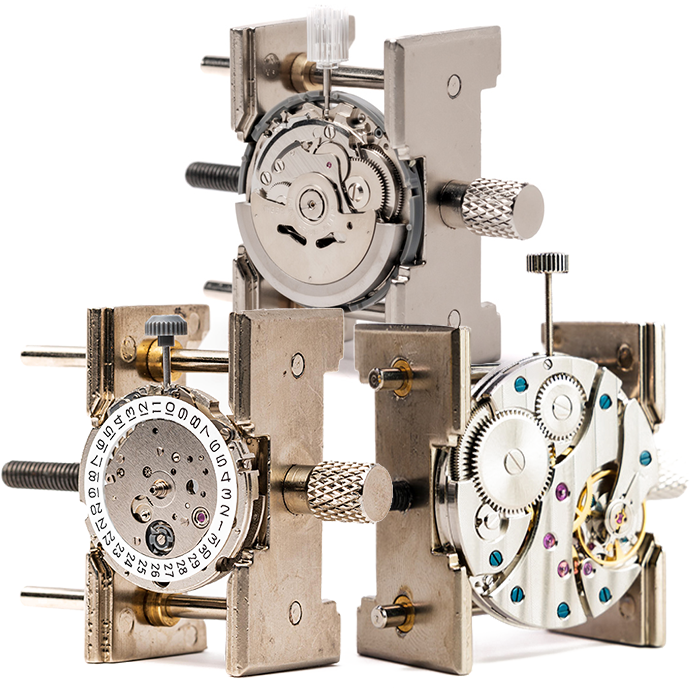
Builders working with the 8215 in a DIY watch building kit get to see this mechanism firsthand during assembly, which makes the danger zone rule feel intuitive rather than abstract.
How to Align the Date Wheel Correctly
Proper 8215 date wheel alignment matters during building and after setting, because the date number should sit perfectly centered in the window. Misalignment usually traces back to a few specific causes, and catching problems early saves time on troubleshooting later.
Common signs of date wheel issues include:
- Date number not centered in the window
- Date failing to advance at midnight
- Date skipping or advancing twice in one cycle
Getting the Number Centered
After changing the date, advance the time past midnight to confirm that the new date clicks cleanly into position. If the number appears slightly off-center, the jumper spring may need reseating. In an automatic movement kit, you can access the jumper spring during disassembly to see exactly how it holds the disc in place.
Handling 30-Day and 31-Day Months
The 8215 date wheel always shows 31 days, so at the end of months with fewer days (February, April, June, September, and November), you will need to advance the date using the quick-set function manually. Annual and perpetual calendars that skip short months cost significantly more, so five manual adjustments per year are a fair tradeoff at this price point.
Conclusion
The Miyota 8215 date change mechanism is straightforward once you understand the relationship between the hour wheel, date disc, jumper spring, and quick-set system. Respecting the 9 p.m. to 1 a.m. danger zone keeps your watch running accurately for years.
Want to see the date mechanism up close? Check out movement kits and complete watch-building kits that teach you how every component works through hands-on assembly.
FAQs
Q1. How does the Miyota 8215 date wheel work?
The hour wheel drives a finger that pushes the 31-position date disc forward once every 24 hours, while a spring-loaded jumper centers each date in the window. Depending on the caliber variant, the date window sits at either 3 o'clock or 6 o'clock.
Q2. What is the Miyota 8215 date change position?
Pull the crown to the first click to access date adjustment, then turn the crown counter-clockwise to advance the date one day at a time.
Q3. Why should I not set the date between 9 p.m. and 1 a.m.?
The date-change mechanism is partially engaged during those hours. Using the quick-set during this window forces two mechanisms against the same teeth, which can damage the calendar components.
Q4. How do I fix a misaligned date on the 8215?
Advance the time past midnight and check that the date snaps cleanly into position. If the number stays off-center, the jumper spring may need to be reseated during a service.
Q5. Does the 8215 date change happen instantly at midnight?
No. The 8215 uses a gradual changeover that begins around 9 p.m. and completes shortly after midnight, with the date settling fully within 2-3 hours.
Q6. How often do I need to correct the date manually?
Five times per year, at the end of February, April, June, September, and November. The 31-day disc does not automatically skip shorter months.